

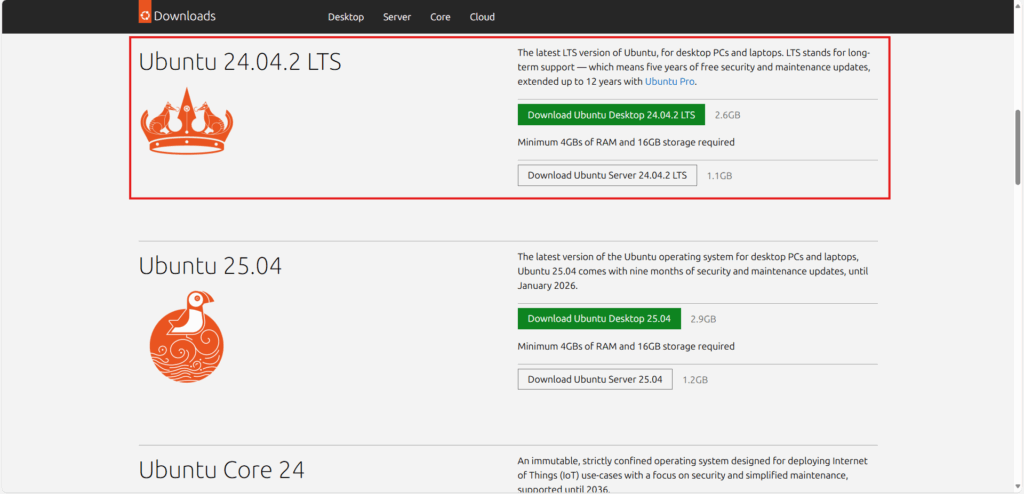
1. Download Ubuntu 24.04.2 on Respberry Pi Version (64 Bit)
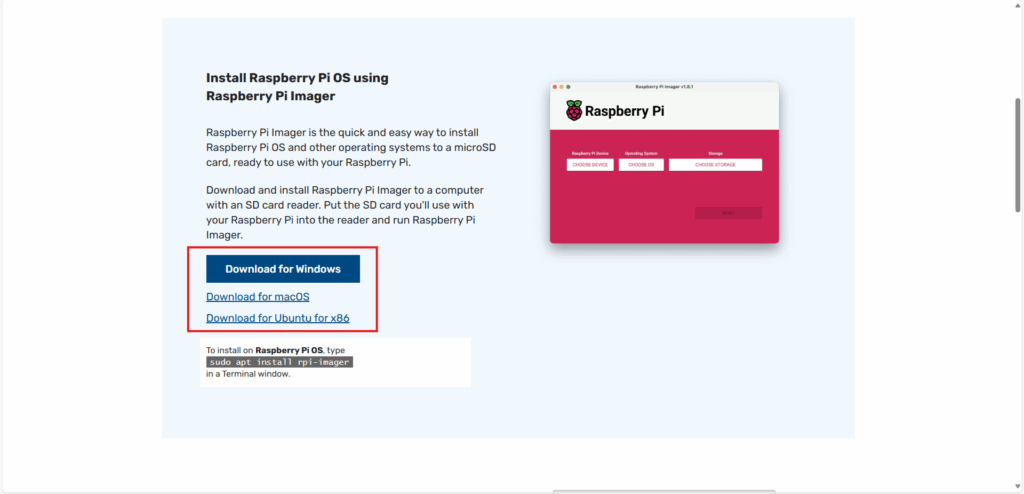
2. Download Respberry Pi Imager
3. Build Ubuntu on Respberry Pi Image
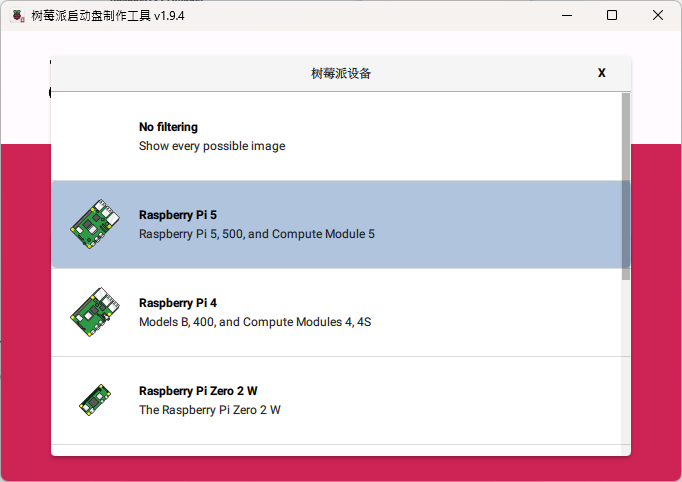
3-1 Select the Raspberry Pi device version.
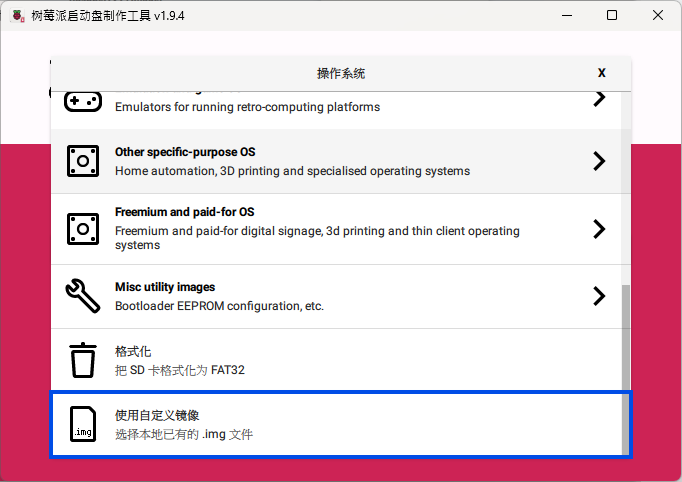
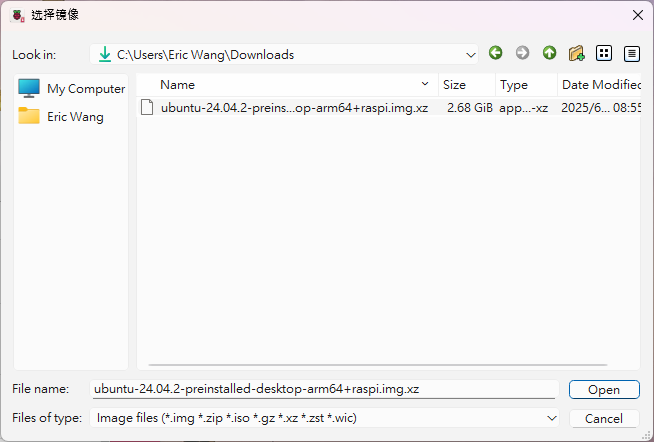
3-2 Select the ubuntu image file downloaded in step 1.
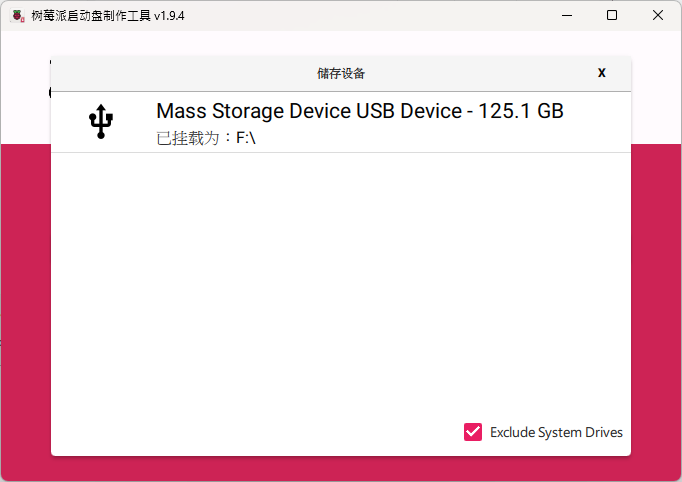
3-3 Select the SD card to be installed on the Raspberry Pi.
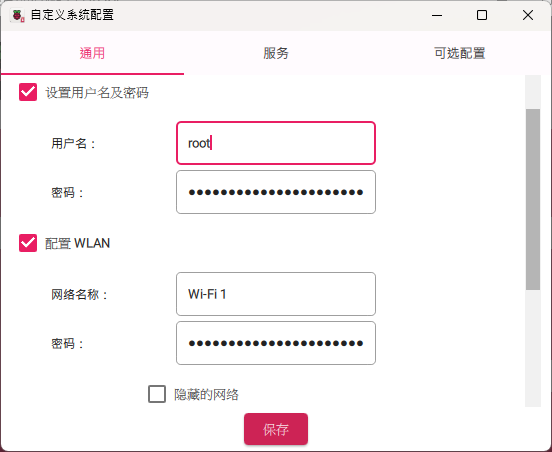
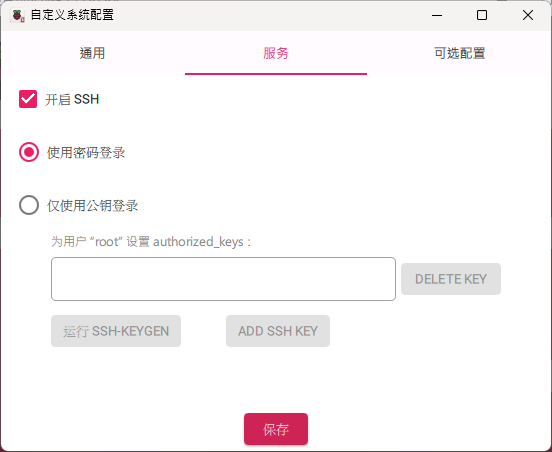
3-4 Set up user, Wi-Fi, time zone, and recommend enabling SSH service.
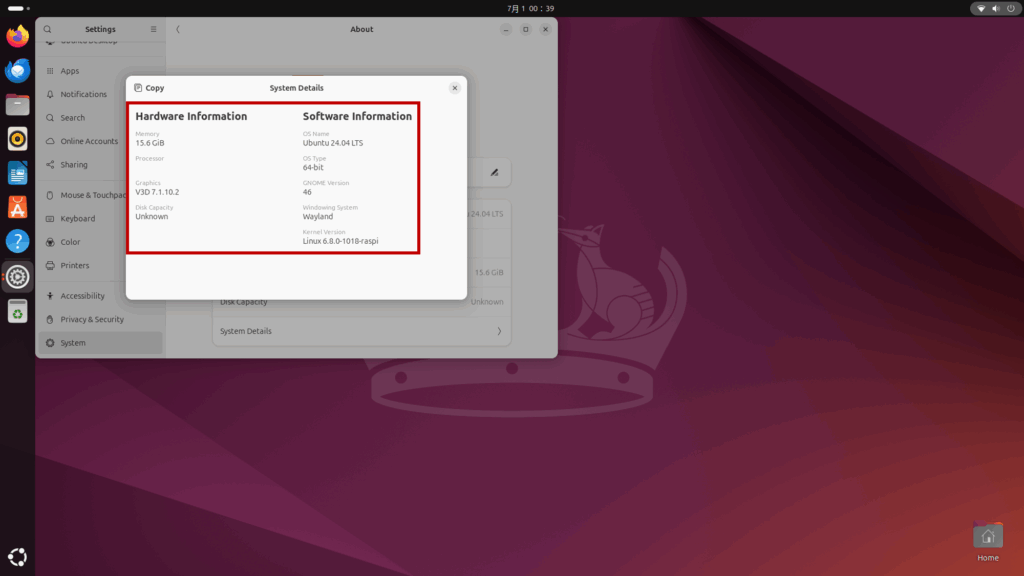
4. Insert the SD Card into Raspberry Pi and Power On
5. Install Remote Connection Function – VNC (Offline Packaging)
5-1 Prepare on a computer / Raspberry Pi with internet access.
# Create a folder to store all packages
mkdir -p ~/vnc-offline/tightvnc
cd ~/vnc-offline/tightvnc

# Download tightvncserver and dependencies
sudo apt update
sudo apt install --download-only tightvncserver

# Copy the package to the folder
cp /var/cache/apt/archives/*.deb ./

# Pack into compressed file
cd ~/vnc-offline
tar -czvf tightvncserver-offline.tar.gz tightvnc/
5-2 Installation on offline Raspberry Pi.
# Unzip
tar -xzvf tightvncserver-offline.tar.gz

# Install all packages and dependencies
cd tightvnc
sudo dpkg -i *.deb

# Start VNC server
vncserver